A little space
for your thoughts.
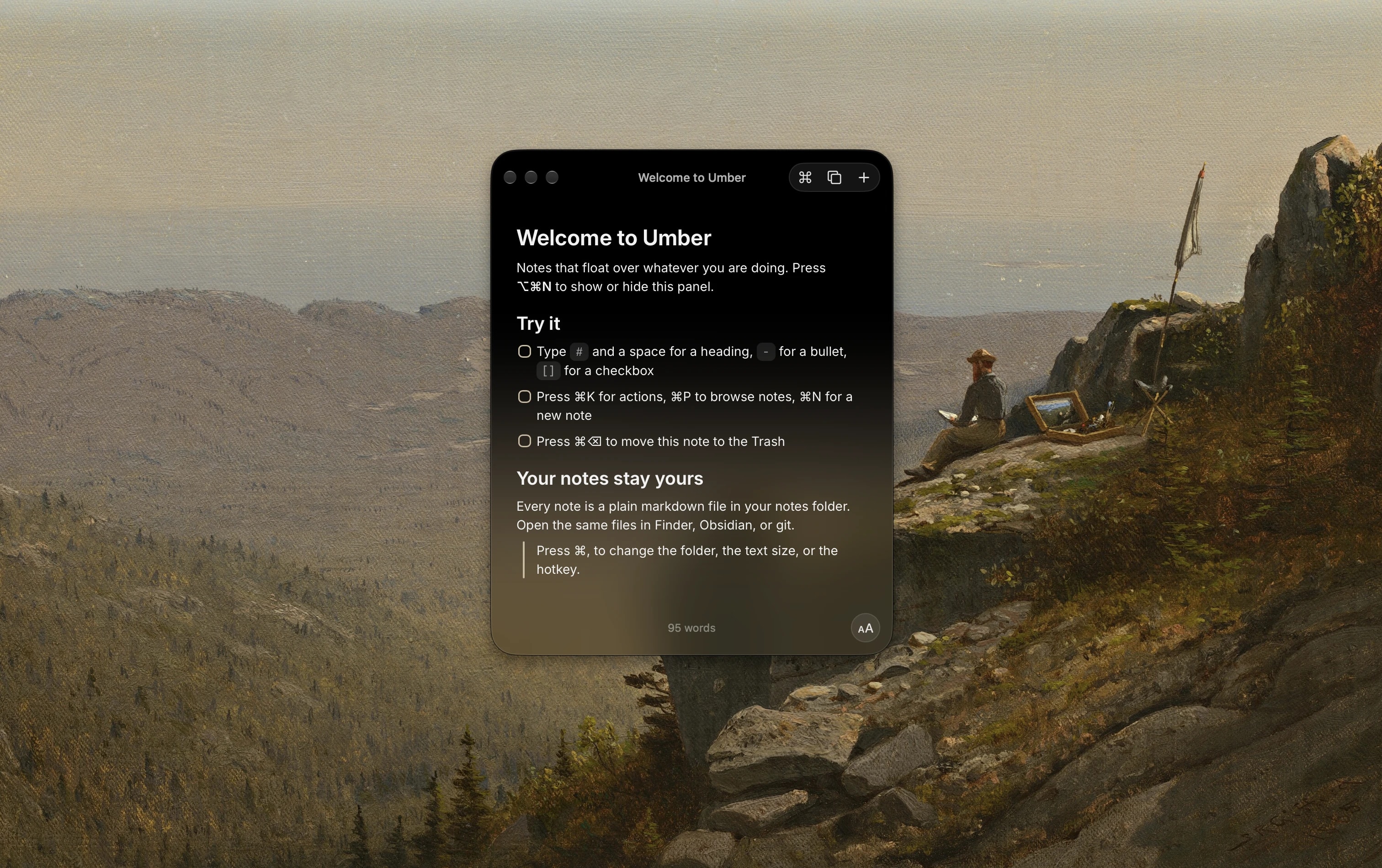
Floating notes, right where you need them.
Catch a thought. Keep your flow.
Free during beta macOS 26+
A thought.
A shortcut.
A note.
No need to leave what you’re doing. Bring up Umber, write it down, and get back to it.
It lives in your menu bar, ready when you are.
Make a little room.
Show or hide Umber from anywhere.
Pick up a thought.
Find and switch between your notes.
Back to your flow.
Put Umber away and return to your app.
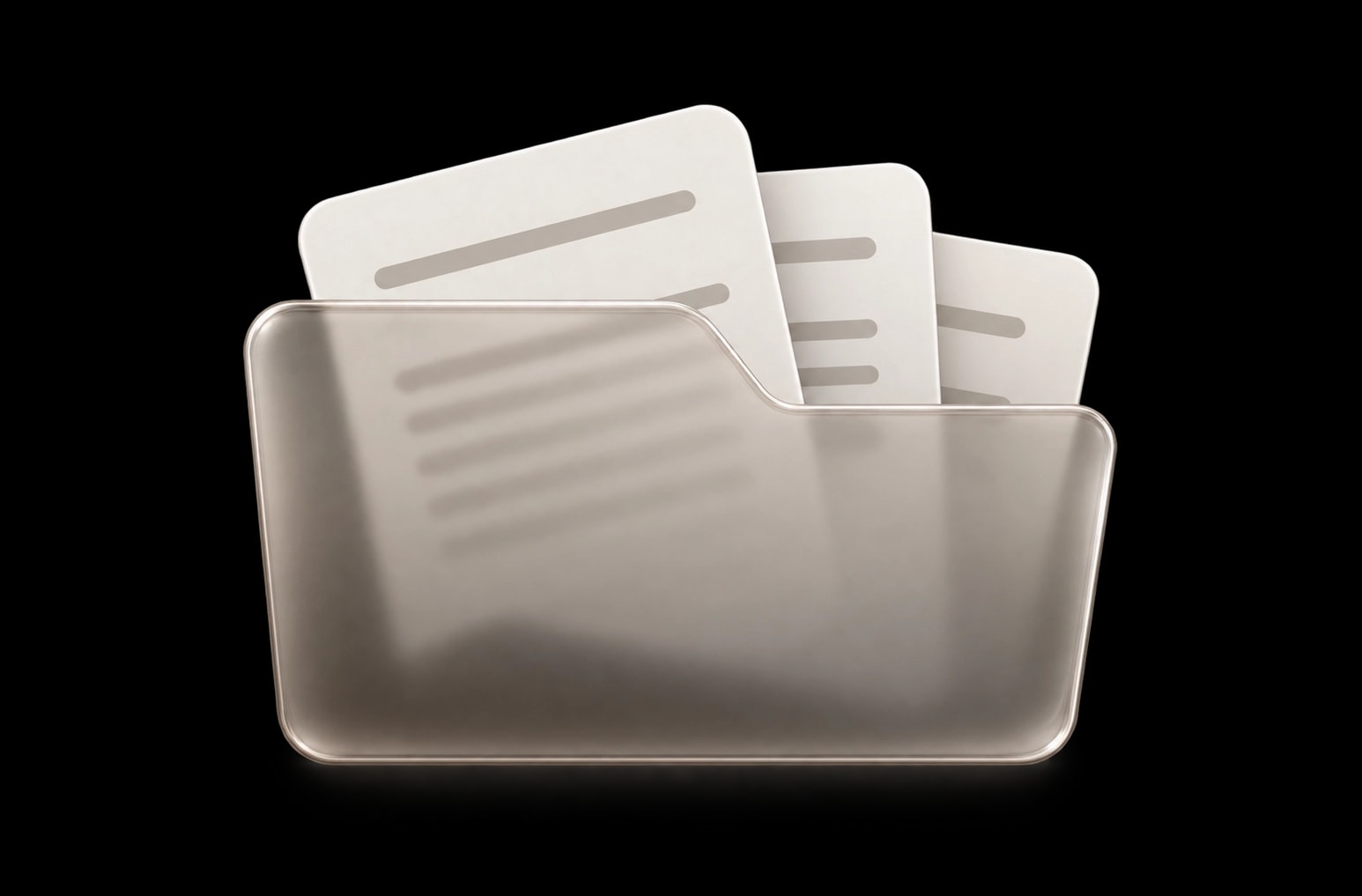
Your words.
Your folder.
Every note is a Markdown file on your Mac. Keep them in a folder you choose, and open them in the apps you already use.
No account. No database to export.
Just your notes.
Keep your hands on the keys.
Create a note with ⌘N. Open actions with ⌘K. The things you do most are a shortcut away.
A space that feels like you.
Adjust the text size and editor appearance. Keep the writing space comfortable.
At home on your Mac.
A floating window with a quiet, translucent finish. Small enough to keep your work in view.
Your next thought
can start here.
Give it a little space.
Download for MacFree during beta. A paid app later.
A few good questions.
Is Umber free?
Yes, Umber is free to download and use during beta. It will become a paid app later. Pricing and the transition from beta will be shared before launch.
What version of macOS do I need?
Umber requires macOS 26 or later.
Where are my notes saved?
In a folder you choose on your Mac. Each note is a plain Markdown (.md) file. You can open, edit, copy, or move it with other apps.
Can I sync my notes?
Choose a folder in iCloud Drive or another file sync service. That service syncs your files. Umber does not have its own sync service or require an account.
How do I open the beta for the first time?
Install with Homebrew and there is nothing extra to do: brew install --cask mshll/tap/umber. If you download the DMG instead, drag Umber into Applications, then run this once in Terminal: xattr -cr /Applications/Umber.app. The beta is not notarized yet, so macOS refuses to open it until that flag is cleared.